Windows 11 Startup Apps: Fix Slow Boot Times by Disabling These
Published on: 19/05/2026
Startup apps are the biggest cause of slow Windows 11 boot times — learn which ones to disable via Settings → Apps → Startup and what impact ratings mean.
Windows 11startup appsslow bootperformancemanage startupPC optimization
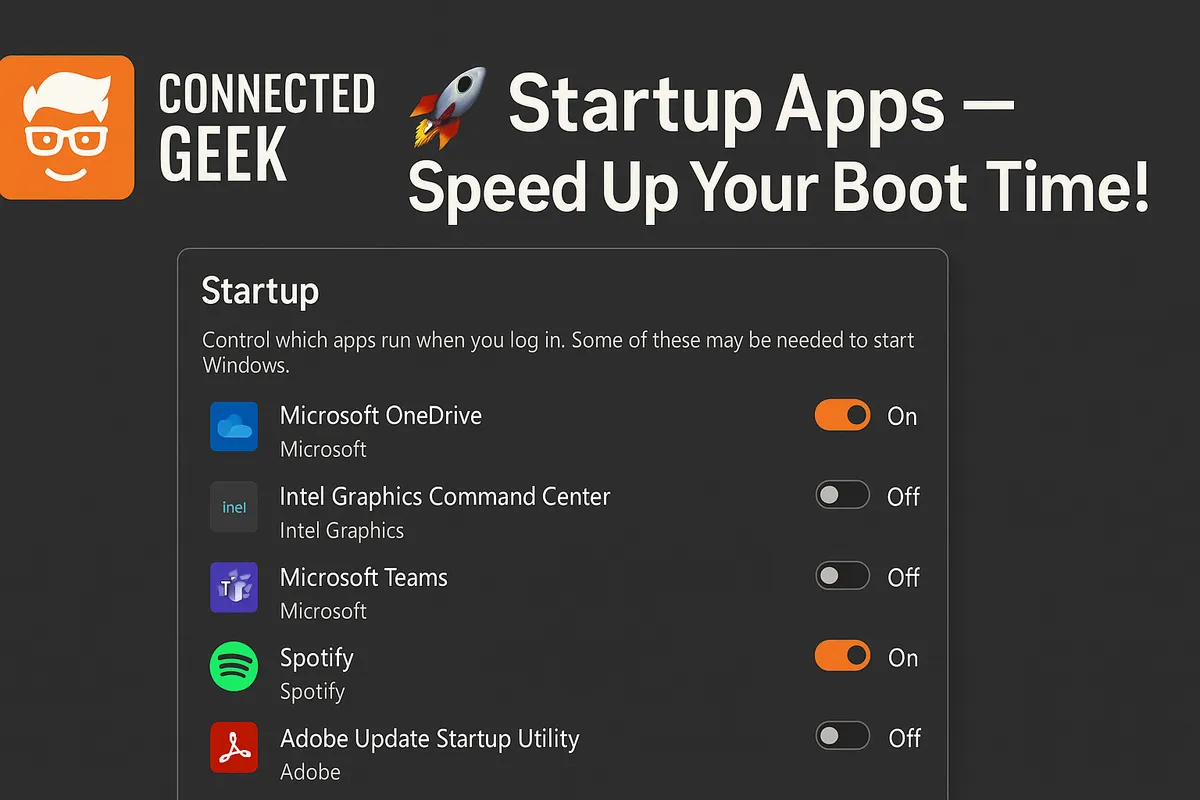
Speed Up Windows 11 Boot Time: Manage Startup Apps
Published on: 05/05/2026
Optimize Windows 11 performance by managing startup apps to reduce boot time and enhance your PC's speed.
Windows 11PC optimizationstartup appsboot timeperformance
How to Speed Up Windows 11 Boot Time by Managing Startup Apps
Published on: 05/05/2026
Disable unnecessary startup apps in Task Manager or Settings → Apps → Startup to make your PC boot faster every time.
Windows 11startup appsboot speedTask ManagerperformanceConnectedGeek